
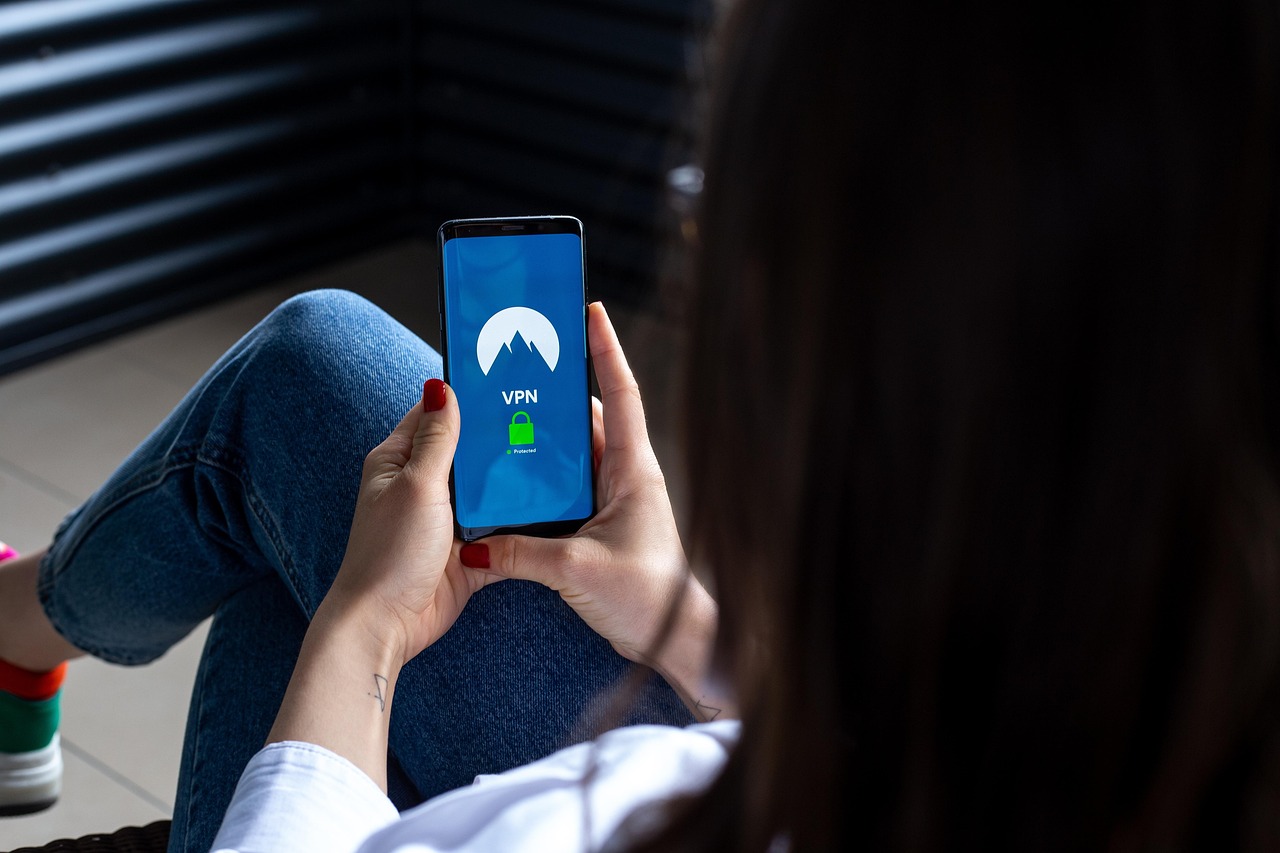
VPN vs Proxy vs Smart DNS: Which Is Best for Online Privacy in 2026?
The digital world of 2026 feels more watched than ever. From your Internet Service Provider (ISP) logging your activity to corporations tracking your every click, true online privacy seems like a relic of a bygone era. In response, a trio of technologies promises to shield your identity: the Virtual Private Network (VPN), the proxy server, and the Smart DNS. But they are far from interchangeable.
Choosing the wrong tool for the job can leave you just as exposed as using nothing at all. One offers an ironclad, encrypted tunnel for your data. Another acts as a simple, unencrypted middleman. The third is a specialist tool designed for a single purpose, with no privacy features whatsoever.
This investigation, updated for February 2026, cuts through the marketing jargon. We’ll dissect how each technology works, weigh their strengths and weaknesses, and deliver a clear verdict on which tool is best for specific, real-world scenarios. The question isn’t just about technology; it’s about defining your goal and matching it with the right digital shield.
At a Glance: VPN vs. Proxy vs. Smart DNS in February 2026
For a quick overview, here’s how the three contenders stack up on the most critical features.
| Feature | VPN (Virtual Private Network) | Proxy Server | Smart DNS |
|---|---|---|---|
| Primary Goal | Privacy, Security, Anonymity | Basic IP Masking, Geo-unblocking | Geo-unblocking Streaming Content |
| Encryption | Excellent (e.g., AES-256) | None (Typically) | None |
| IP Address Change | Yes, completely masked | Yes, masked for one app | No, IP remains visible |
| Data Privacy | High (with a trusted no-logs provider) | Very Low (Proxy owner can see traffic) | None (ISP can see all activity) |
| Speed | Good to Excellent (slight overhead from encryption) | Variable, often fast but can be slow | Excellent (fastest option, no encryption) |
| Protects Entire Device? | Yes, all apps and services | No, only the configured app (e.g., browser) | No, only affects specific site lookups |
| Typical Cost | Paid subscription | Free or paid | Usually part of a VPN package or standalone fee |
Deep Dive: How Each Technology Actually Works
Understanding the fundamental mechanics of each tool is crucial to appreciating their distinct roles. They might all reroute your traffic, but how they do it makes all the difference.
What is a VPN (Virtual Private Network)?
Think of a VPN as your personal, armored convoy on the public internet highway. When you activate a VPN client on your device, it establishes a secure, encrypted connection—a “tunnel”—to a server operated by the VPN provider. All your internet traffic, from every single application, is routed through this tunnel.
Here’s the process:
- Your device’s VPN app encrypts your data packets.
- These encrypted packets travel to the VPN server.
- The VPN server decrypts the data and sends it to its final destination (e.g., the website you’re visiting).
- The website sees the request as coming from the VPN server’s IP address, not your real one.
This process achieves two critical things: It makes your activity completely unreadable to your ISP or anyone else on your local network (like on public Wi-Fi), and it masks your true location and IP address from the websites you visit. In 2026, with sophisticated tracking becoming standard, this end-to-end encryption is the gold standard for privacy.
What is a Proxy Server?
A proxy server is a much simpler intermediary. It’s like asking a friend in another city to look up a website for you and tell you what’s on it. You configure a specific application—most commonly your web browser—to send its requests to the proxy server instead of directly to the internet.
The proxy server then forwards your request, and the destination website sees the proxy’s IP address. This effectively hides your IP, but that’s where the protection ends. Crucially, the connection between your device and the proxy server is typically not encrypted. This means your ISP can still see which websites you’re asking the proxy to visit, and the owner of the proxy server can log and inspect all of your unencrypted traffic. Free proxies are notoriously dangerous, often set up specifically to harvest user data.
What is a Smart DNS?
Smart DNS is the specialist of the group, built for one job: tricking streaming services about your location. It doesn’t encrypt your data or hide your IP address. Instead, it intercepts your device’s DNS (Domain Name System) requests.
When you type “netflix.com” into your browser, your device asks a DNS server for the correct IP address. A Smart DNS service reroutes just the DNS requests related to specific, supported streaming sites to a server in your desired country. The streaming service sees the DNS request coming from, say, the USA, and grants you access to the US library. All your other traffic, and the actual video stream itself, goes through your normal, unencrypted connection. It’s a clever trick for unblocking content, but it offers zero privacy or security benefits.
Pros and Cons: A Head-to-Head Comparison
Now that we know the mechanics, let’s put them side-by-side to evaluate their practical advantages and disadvantages.
VPN: The All-in-One Protector
- Pros:
- Total Encryption: Provides robust, military-grade encryption for all your data, making it unreadable to third parties.
- Complete IP Masking: Your real IP address is hidden from every site and service you use.
- System-Wide Protection: Secures every application on your device with a single connection, not just your browser.
- Bypasses Censorship: An essential tool for circumventing government firewalls and corporate network blocks.
- Cons:
- Potential Speed Reduction: The encryption process adds a small overhead, which can slightly reduce connection speeds, though modern protocols like WireGuard have minimized this.
- Cost: Reputable, trustworthy VPNs require a paid subscription. Free VPNs are often a privacy risk.
- Trust is Paramount: You must trust your VPN provider’s no-logs policy. This is why choosing providers with independent security audits is critical in 2026.
Proxy: The Quick-Change Artist
- Pros:
- Lightweight: Can be faster than a VPN since there’s no encryption overhead.
- App-Specific: Useful if you only need to change your IP for a single application without affecting the rest of your system.
- Often Cheaper or Free: Many free proxy lists are available online (though they come with significant risks).
- Cons:
- No Encryption: This is the deal-breaker for privacy. Your data is sent in plaintext, visible to the proxy owner and your ISP.
- Major Security Risks: Free proxies are often run by malicious actors to steal data, inject ads, or distribute malware.
- Unreliable: Proxies, especially free ones, are often slow, unstable, and quickly blocked by services like Netflix.
- Limited to One Application: Does not protect your entire device’s connection.
Smart DNS: The Streaming Specialist
- Pros:
- Fastest Speeds: By avoiding encryption, it provides your maximum possible internet speed, which is ideal for 4K streaming.
- Wide Device Compatibility: Can be configured on devices that don’t support VPN apps, like some smart TVs and game consoles.
- Easy to Use: Once set up, it works automatically in the background.
- Cons:
- Zero Privacy or Security: Offers absolutely no encryption or privacy protection. Your ISP sees everything.
- Doesn’t Hide Your IP: Your real IP address remains exposed to the websites you visit.
- Limited Use Case: Only works for unblocking specific, pre-approved streaming services. It does not bypass general censorship.
- Can Be Blocked: Streaming services are getting better at detecting and blocking Smart DNS services.
Best Choice by Use Case: Which Tool Is Right for You?
The debate over VPN vs Proxy vs Smart DNS: Which Is Best for Online Privacy in 2026? ultimately comes down to your primary objective. Let’s break down the most common scenarios.
For Ultimate Online Privacy and Security…
Winner: VPN
There is no contest here. If your goal is privacy—protecting your data from your ISP, securing your connection on public Wi-Fi, or preventing websites from tracking your real location—a VPN is the only viable tool. The end-to-end encryption is non-negotiable.
Real-world example: You’re at a hotel or airport using their public Wi-Fi. Without a VPN, any moderately skilled hacker on the same network could potentially intercept your passwords, banking details, or private messages. With a VPN enabled, all your data is an unreadable, scrambled mess to them. This is the fundamental purpose of a VPN and a proxy or Smart DNS simply cannot perform this function.
For High-Speed Streaming and Bypassing Geoblocks…
Winner: Smart DNS (with a major caveat)
If your only goal is to watch a streaming service from another country on a device like an Apple TV or PlayStation 5, and you prioritize speed above all else, Smart DNS is technically the fastest option. It introduces zero speed loss because it doesn’t encrypt your traffic.
The Caveat: This choice comes at the complete expense of privacy. Furthermore, many top-tier VPN providers now include a Smart DNS feature in their subscription. This gives you the best of both worlds: use the Smart DNS for pure speed on your TV, and use the full VPN on your laptop for privacy and security. A fast VPN using the WireGuard protocol is often more than capable of streaming 4K content without buffering anyway, making it a more versatile choice.
For Quick, Low-Stakes IP Masking…
Winner: Proxy Server
A proxy has a very narrow and specific use case. It’s a tool for a quick, temporary IP change for a non-sensitive task. It might be useful for bypassing a simple IP-based block on a forum or accessing a website that’s unavailable on a school or office network.
Real-world example: You’re trying to view a regional sports score on a website that’s blocked on your work network. Routing your browser through a (trusted, paid) proxy can get you around that simple filter. However, you should never use a proxy, especially a free one, to log into any account or enter any personal information. The risk of data theft is simply too high.
The Final Verdict: Making the Right Choice in 2026
So, after breaking it all down, which tool should you choose? The answer is clearer than ever.
For anyone asking the question “Which is best for online privacy?”, the answer is, and will continue to be, a reputable Virtual Private Network (VPN). Proxies and Smart DNS are not privacy tools. A proxy offers a flimsy disguise with no real protection, and a Smart DNS offers no disguise at all. A VPN provides the essential combination of IP masking and data encryption that forms the foundation of digital privacy.
In 2026, the best strategy for the average user is to invest in a high-quality VPN service that has undergone independent audits of its no-logs policy. Look for one that also includes a Smart DNS feature as part of the package. This hybrid approach provides maximum flexibility: use the full VPN for 99% of your activities to ensure robust security and privacy, and switch to the Smart DNS only for specific streaming tasks on devices that might not support a VPN app.
Ultimately, navigating the digital landscape of today requires a conscious defense of your personal data. While proxies and Smart DNS have their niche uses, only a VPN provides the comprehensive shield needed to reclaim your online privacy.

Ava Brix is an accomplished author dedicated to crafting engaging narratives across various genres. With a passion for storytelling and a commitment to literary excellence, she strives to connect with readers on a profound level. Ava believes in the power of stories to illuminate the human experience and inspire positive change.